
How Shopify subscriptions are built: selling plans
Subscribe and save looks simple on a product page: a second option under the price, a small discount, a delivery frequency. Underneath, Shopify models it with selling plans, and knowing the model makes every later decision easier.
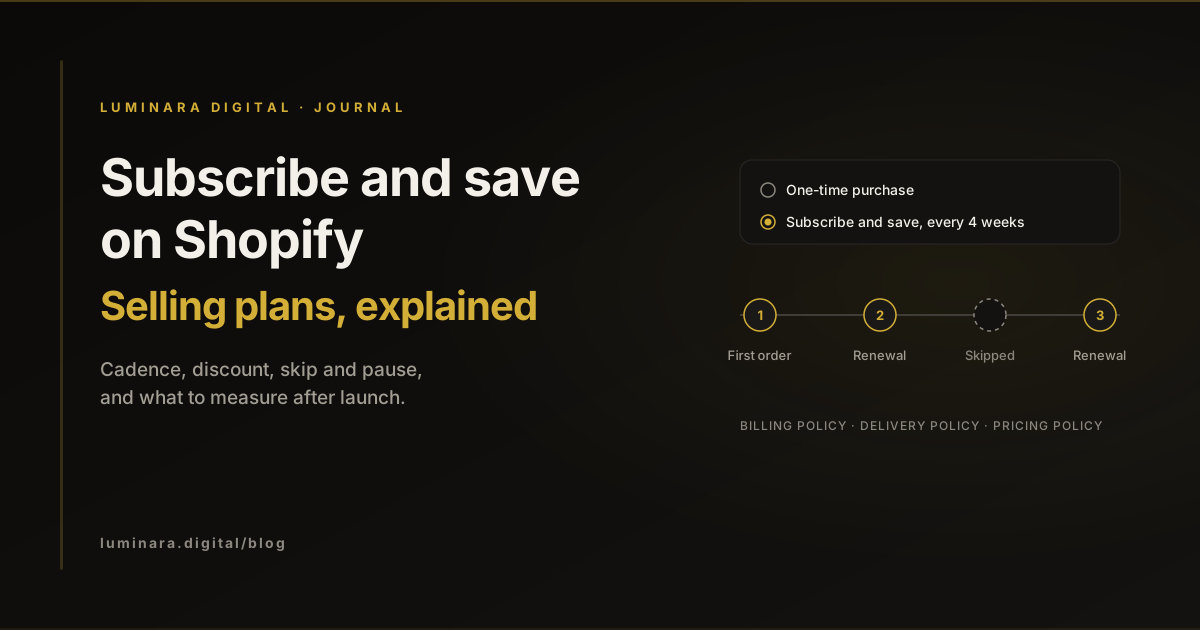
Shopify's selling plans overview describes two layers. A selling plan group is a selling method, such as "Subscribe and save" or "Prepaid". Inside it, each selling plan is one option the shopper can choose, such as deliver weekly or deliver monthly. Pay per delivery means the customer pays for each delivery; prepaid means one payment upfront for several deliveries.
Each selling plan carries a set of policies. The billing policy sets how often the customer is charged. The delivery policy sets how often the order ships, and it can differ from billing. The inventory policy decides whether stock is committed when the order is created or when it is fulfilled. The pricing policy sets the discount. Shopify's API reference says a selling plan can hold at most two pricing policies, and a recurring pricing policy has an afterCycle setting for the cycle after which it applies. That is how an offer like "a larger discount on the first order, a smaller one after that" is built. Shopify's own example is a 20% discount on the first billing cycle and 15% on the cycles after it. Adjustments can be a percentage off, a fixed amount off, or a set price.
Who actually charges the card
When a shopper checks out with a selling plan, Shopify creates a subscription contract. Shopify's subscription contracts documentation explains that an app charges the customer by starting a billing attempt on that contract, and each successful attempt creates an order. In other words, you need a subscription app. Shopify's theme and checkout show the options; the app runs the schedule.
Shopify makes its own app. The Shopify Subscriptions listing shows it as free and built by Shopify, with subscribe and save pricing and customer options to cancel, skip or pause. Third-party apps exist for more complex programmes, but for a first subscription offer Shopify's app is a sensible starting point: move only when a real need appears.
Timing is worth knowing before you write your emails. Shopify's subscription considerations say customers are billed the day after the subscription is due, at 10:00 am in the store's local time. The Shopify Subscriptions app emails customers 3 days before each recurring order is charged, which gives them time to skip, pause, cancel or update payment details.
Before you start: what Shopify requires
Check these before you design anything. Most of them come from Shopify's considerations for subscription products and the Shopify Subscriptions setup guide.
Payment gateway
- What Shopify says
- Shopify Payments, PayPal Express, Authorize.net, Adyen, or Stripe (select merchants); availability depends on region
- What to check
- Your gateway and region support recurring charges
Theme
- What Shopify says
- Online Store 2.0 themes show the subscription widget on the product page; vintage themes need Debut 15.0 or Brooklyn 17.0 or later
- What to check
- Your theme version, and that the widget appears on every subscription product
Sales channels
- What Shopify says
- Online store, Shopify POS, Shop and custom storefronts; not draft orders
- What to check
- Wholesale or phone orders do not rely on draft orders
Bundles and gift cards
- What Shopify says
- Bundles are not compatible with the app; gift cards and Shopify Scripts apply to the first payment only
- What to check
- Bundle and gifting offers still make sense
Recurring shipping
- What Shopify says
- After the first delivery, shipments default to the least expensive available method
- What to check
- Your cheapest rate is one you are happy to ship every renewal with
Subscription policy
- What Shopify says
- A cancellation policy is added automatically, linked at checkout, and customers must agree to it before completing their purchase
- What to check
- You have replaced the generated template with your own words
The four decisions: cadence, discount, flexibility, failed payments
Every subscription programme comes down to four choices. None has a universal right answer, so decide them from your own product and margins.
- 01
Cadence
In the Shopify Subscriptions app, a plan can offer several delivery frequencies, each set as a number of weeks, months or years. Match the options to how long the product actually lasts. Offer the frequency most customers need as the default, plus one shorter and one longer option, rather than a long list.
- 02
Discount
The app supports percentage off, amount off or a fixed price. The discount has to be worth committing for, and you pay it on every renewal, so work it out against your margin after shipping, not against the first order alone. If you want a stronger first order offer, a second pricing policy that changes after the first cycle is cleaner than a separate discount code. Shopify's subscription discounts page explains how discount codes apply to subscriptions and how to limit how many billing cycles they cover.
- 03
Flexibility
Customers can pause, resume, skip upcoming orders and cancel from their customer account, and update payment and shipping details. Shopify says a pause takes effect immediately. Changing delivery frequency is a merchant action on the contract, so decide how customers ask for it and how quickly you respond. Making skip and pause easy to find tends to be better for the relationship than making cancel hard to find.
- 04
Failed payments
The app's billing settings let you choose the number of retry attempts, the days between retries, and what happens when all retries fail: skip, pause or cancel. Shopify does not publish a recommended default, so choose deliberately. For most consumables, pausing is kinder than cancelling and easier to recover from.
What to measure after launch
Shopify gives you a starting point. The Shopify Subscriptions analytics overview shows subscriptions revenue, active subscriptions, new subscriptions and cancelled subscriptions, and notes that active subscriptions include paused contracts and skipped orders. The sales reports add subscription sales over time and a subscription versus one-time sales report once you sell through the app.
Those numbers tell you whether the programme is growing. To know whether it is healthy, track a few more each month, from your own data. The share of new customers who choose subscribe and save on their first order. How many renewals were skipped, and how many contracts are paused rather than active. How many failed payments were recovered by a retry. And the margin on a renewal after the discount and shipping, which is the number that tells you whether the discount is set right.
Look at cancellations by how long the customer stayed. Early cancellations often point to the product, the default cadence or an expectation set on the product page. Later ones are more often about the customer having enough stock, which skip and pause are there to handle.
A practical checklist
Work through this before the subscription option goes live on your product pages.
- 01
Confirm eligibility
Gateway, theme and sales channels all support subscriptions.
- 02
Write your subscription policy
Replace the generated template, and say plainly how to skip, pause and cancel.
- 03
Choose cadence options
One default based on how long the product lasts, plus a shorter and a longer option.
- 04
Set the discount from renewal margin
Check the margin on a renewal after discount and shipping, as well as on the first order.
- 05
Decide the failed payment rules
Number of retries, days between them, and whether the final action is skip, pause or cancel.
- 06
Check recurring shipping
Renewals default to your cheapest shipping method, so make sure it is one you are happy with.
- 07
Test the customer account
Place a test subscription and try skip, pause, resume and cancel as a customer would.
- 08
Set a monthly report
Active, new and cancelled subscriptions, skips, pauses, recovered payments and renewal margin.
Conclusion
Subscribe and save works best when it is designed as a product, not bolted on as a discount. Learn the selling plan model, confirm your store meets Shopify's requirements, make four deliberate decisions about cadence, discount, flexibility and failed payments, then measure renewal health as well as growth. Our Terroir Launch Kit is built around a subscription builder with per-delivery pricing, and Aura Botanical includes subscribe and save on its product pages. See pricing for what a build costs, or get in touch to plan a subscription programme for your store.
Common questions
Yes. Selling plans define the options, but an app creates the billing attempts that charge customers on each renewal. Shopify's own Shopify Subscriptions app is free and covers subscribe and save, skip, pause and cancel.
Yes. A selling plan can have up to two pricing policies, and a recurring pricing policy can start after a set cycle. Shopify's example is a 20% discount on the first billing cycle and 15% after that.
With the Shopify Subscriptions app, customers can pause, resume, skip upcoming orders and cancel from their customer account, and they get a reminder email three days before each recurring charge.
In the Shopify Subscriptions app you set how many times to retry, how many days apart, and whether to skip, pause or cancel when all retries fail. Shopify does not publish a default, so set these on purpose.
Sources
- About selling plans. Shopify.dev. Accessed .
- SellingPlanInput (GraphQL Admin API). Shopify.dev. Accessed .
- SellingPlanRecurringPricingPolicyInput (GraphQL Admin API). Shopify.dev. Accessed .
- SellingPlanPricingPolicyAdjustmentType (GraphQL Admin API). Shopify.dev. Accessed .
- About subscription contracts. Shopify.dev. Accessed .
- Shopify Subscriptions. Shopify App Store. Accessed .
- Considerations and payment gateways for subscription products. Shopify Help Center. Accessed .
- Setting up Shopify Subscriptions. Shopify Help Center. Accessed .
- Shopify Subscriptions customer experience. Shopify Help Center. Accessed .
- Create and edit subscription plans. Shopify Help Center. Accessed .
- Subscription discounts. Shopify Help Center. Accessed .
- Managing subscription contracts. Shopify Help Center. Accessed .
- Managing Shopify Subscriptions app settings. Shopify Help Center. Accessed .
- Shopify Subscriptions analytics overview. Shopify Help Center. Accessed .
- Sales reports. Shopify Help Center. Accessed .
Tags: ShopifySubscriptionsSelling plansSubscribe and saveDTCRetention